
The calculator combines cargo weight, distance travelled, transport mode, and vessel or vehicle type into a single emissions estimate. Enter a route and cargo details, or pick a carrier, and it returns the CO2 figure for that specific shipment.
Web App
Calculate CO2 emissions for any shipment
Enter a route or pick a carrier and get an emissions estimate across sea, air and road. The figures come from recognized industry standards, not a rule of thumb.
Two Ways to Calculate
Start from a route, or start from a carrier

By route
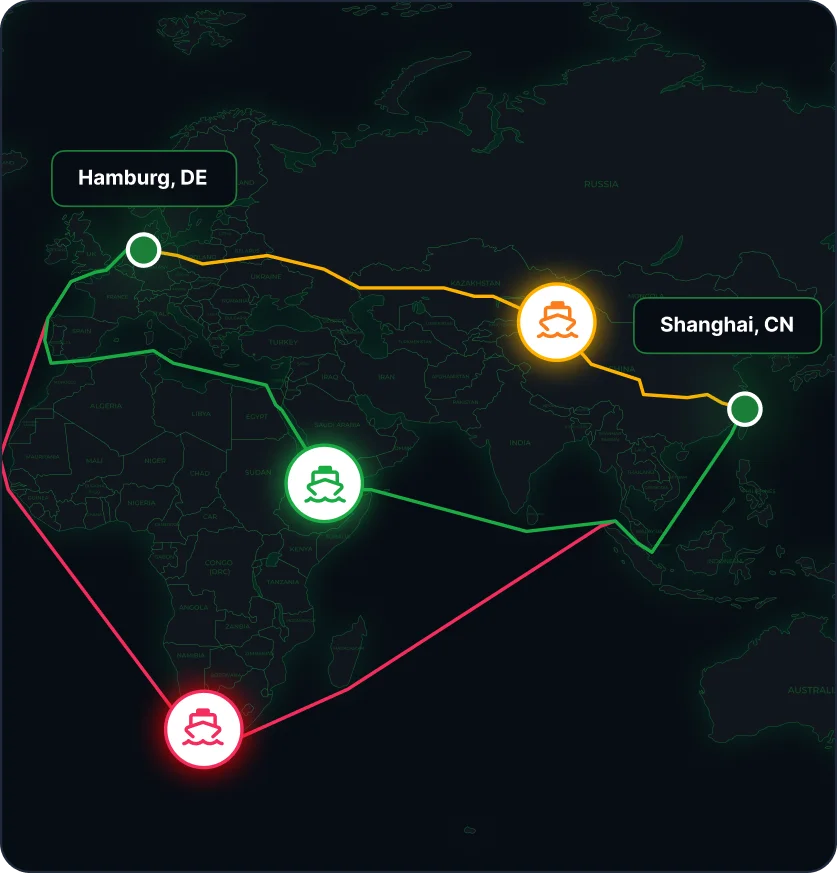
Enter the origin and destination and choose the transport mode and cargo type: container, bulk or RoRo. The calculator accounts for the specifics of each to return an accurate CO2 estimate for that exact shipment.

By carrier
Pick a shipping line to see its historical emissions performance on a given route. Useful when the carrier, rather than the route, is what drives the footprint of a shipment.
Built On Standards
Compliant by design, not as an afterthought
The calculator is built on the Global Logistics Emissions Council (GLEC) Framework and ISO 14083, so the numbers you get are ones you can put in a report or hand to an auditor. A few inputs get you a standards-based estimate, with no spreadsheet to maintain and no consultant to book.
Why It Helps
One tool, every transport mode
-
Emissions per kilometre
See the carbon cost of any route worldwide in a few clicks, no separate report required.
-

Sea, air, and road covered
One calculator for every mode, instead of switching tools depending on how the cargo moves.
-

Compare before you book
Line up routes and carriers side by side to see which option actually costs the least in CO2.
-

Numbers you can report
GLEC- and ISO 14083-aligned figures, ready for ESG reporting or a client-facing sustainability claim.
Built For
Different teams, same numbers
-

Freight forwarders
Give clients an emissions figure alongside the quote, not as a follow-up email.
-

Importers & exporters
Check the footprint of a shipment before choosing a carrier or route.
-

ESG & sustainability teams
Pull standards-based figures for reporting without chasing data from ops.
-
Logistics platforms
Try the calculator here, then bring the same data into your product through the API.
For Developers
Put these figures in your own product
The Qubictron Carbon Emissions API returns the same GLEC and ISO 14083 aligned numbers, so a quote screen can show the carbon cost next to the price.
Read about the API
FAQ
Questions about the numbers
Calculations follow the Global Logistics Emissions Council (GLEC) Framework and ISO 14083, the two reference standards for logistics emissions accounting. The output is built to hold up in formal reporting.
Yes. The calculator covers sea, air, and road, so a multimodal shipment can be estimated leg by leg instead of guessing at the non-ocean portions.
Yes. Search by carrier to see its historical emissions performance on a given route, so carbon sits alongside price and transit time when you choose one.
There is. The Carbon Emissions API hands back the same GLEC and ISO 14083 figures this page shows, ready to write into a CRM, TMS or ERP record.
Calculate a shipment footprint
Get access to the calculator yourself, or bring the same data into your own platform.