
For ocean shipments, use a container number, booking number, or bill of lading. For air shipments, use the Air Waybill (AWB) number.
Web App
Ocean and air tracking, one search box
Look up a container, booking, bill of lading or air waybill and get live status, milestones and ETAs in seconds. Sea and air share the same search box, so there is no switching between tools.
Live Map
One map, every mode
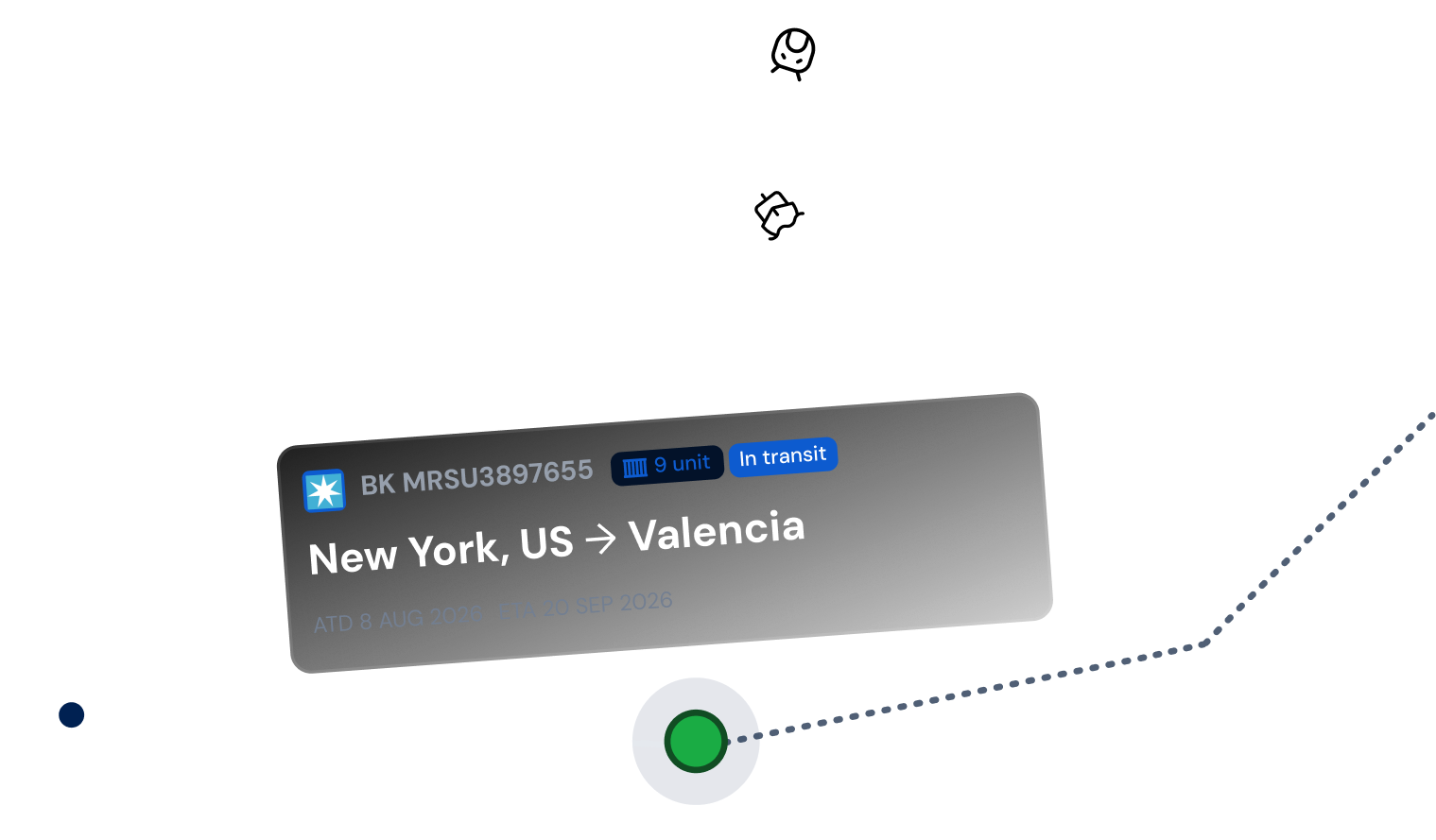
Once you run a search, Qubictron plots the shipment's current position on an interactive map: vessel and voyage for ocean, flight and route for air. No more piecing together updates from separate carrier and airline logins.
-
 Current vessel or flight position
-
 Full milestone history, port or airport by airport
-
 Time spent at each stop or transfer
-
 Continuously refreshed ETA at final destination
220+
Ocean carriers
370+
Airlines
1
Search box for both modes
Who It's For
Built for teams juggling both modes
Freight forwarders
Answer "where's my shipment" the same way, regardless of mode.

Importers & exporters
Keep an eye on ocean and air orders from one dashboard.

3PLs
Give clients one consistent status feed, no matter how their cargo moves.

E-commerce ops
Catch delays early across every inbound shipment, sea or air.
FAQ
Questions about global tracking
No. Searching is free and open to anyone. Enter a reference number and you get live status.
Yes. Switch between Ocean and Air on the search box above, or open the tracker directly to see both in one dashboard.
It is. The same live tracking data sits behind both, pulled together here into one search across sea and air.
Track your next shipment
Open the tracker and search by container, booking, BL or AWB. Sea and air, side by side.